Ashampoo UnInstaller Free
Ashampoo UnInstaller Free — Quick Overview
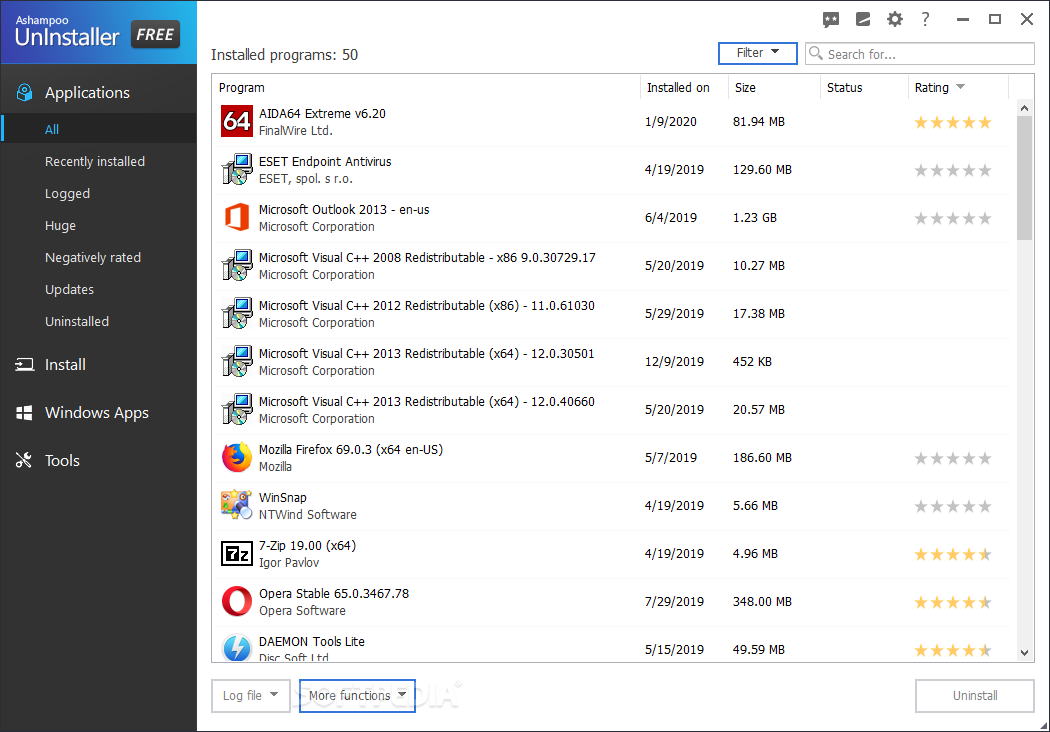
Most users know by now that the usual way to remove an application won’t rid them of all the leftovers, even if the uninstall is made from within the control panel. A third-party tool is usually the way to go when talking about taking out the garbage, as efficiently as possible. Speaking of tools, Ashampoo Uninstaller Free fits the description and can give you a helping hand.
After the installation is over the app will require an account. Even If you don’t have one, just type in the email address you want to log in with, and with a simple “password recovery” method, you will gain access.
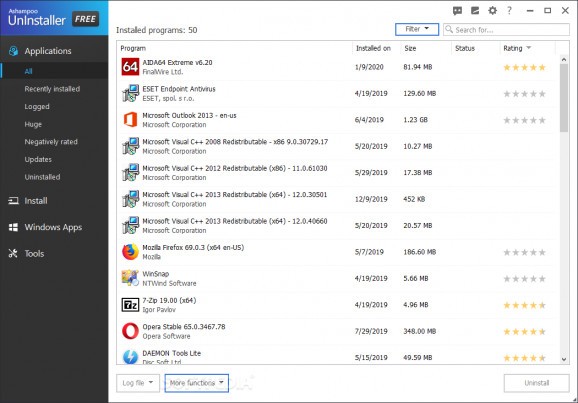
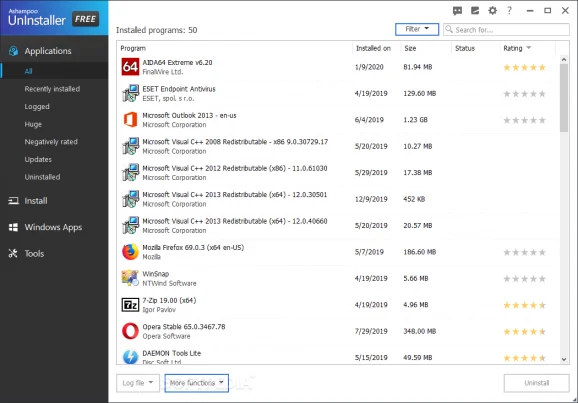
The UI has a modern feel to it and surprisingly, the contents are visible enough so a beginner can find his way around it in several minutes from the first launch. The main elements are the sidebar, which holds the categories and the preview tab where the apps and the main process are taking place.
Ashampoo UnInstaller Free — Quick Overview for Windows 7, 8, 10, 11
| Title | Ashampoo UnInstaller Free |
| Developer | ashampoo GmbH and Co KG |
| Category | Tweak |
| File Size | 31.7 MB |
| Language | English |
| Supported OS | Windows |
| Runs on | Windows 11Windows 10 32/64 bitWindows 8 32/64 bitWindows 7 32/64 bit |
| File name | ashampoo_uninstaller_free_sm.exe |
If you open the Application category, all the installed will be displayed as a list. The data, size, status and even the rating are attached to every program, working as filters. Selecting an app and hitting uninstall causes another tab to pop up, which ensures that no clicking mistake was made and offers you to check the in-depth cleaning feature and to proceed.
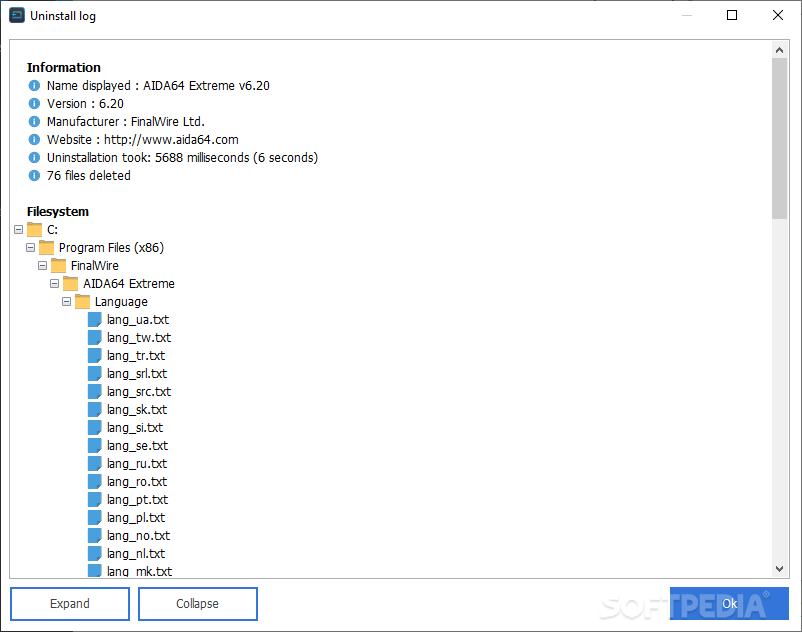
The in-depth cleaning represents the whole purpose of this type of apps, as the tool, is digging for every element that was installed along with the parent program.
It may sound weird that a program developed for cleanup is dealing with the exacts opposite action. The install feature brings more security to the table as any removed program has all the leftovers exposed, or easier to detect, which makes the uninstallation way more efficient.
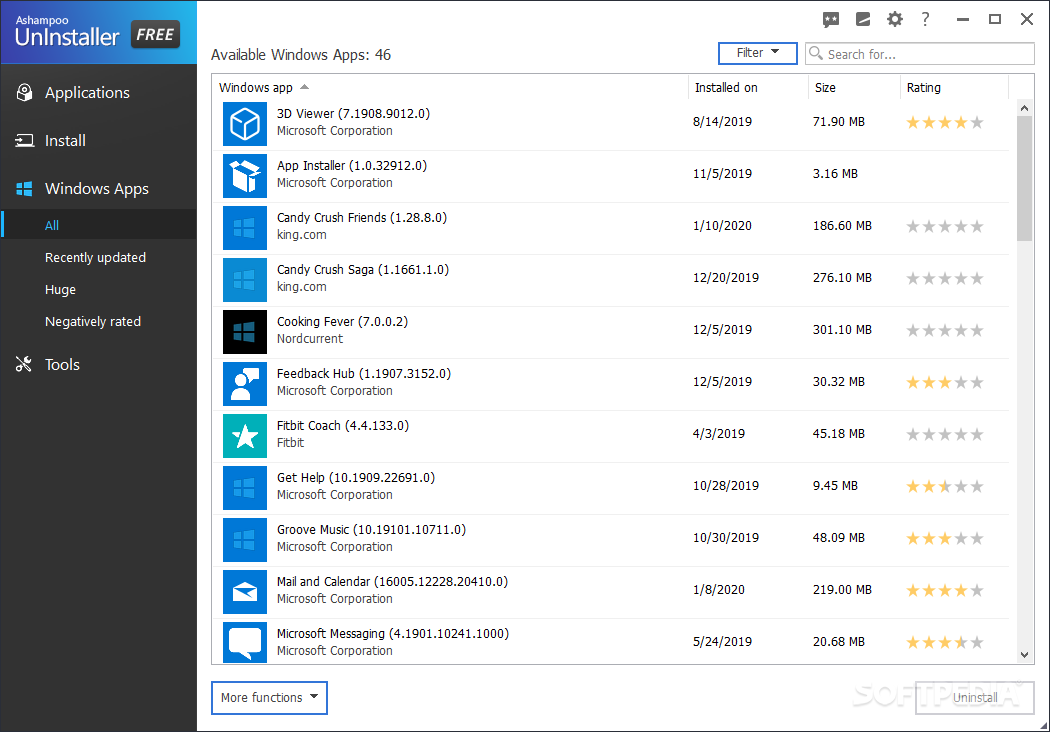
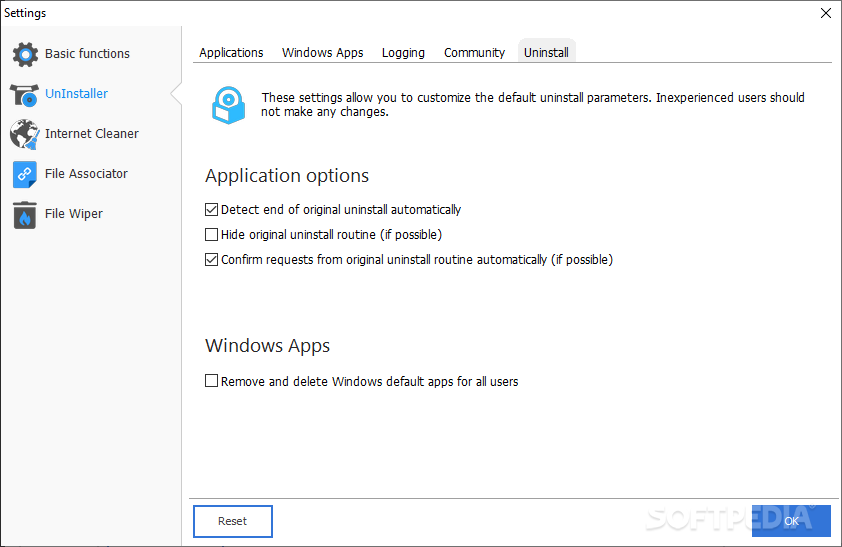
A function that doesn't come with all uninstallers is the Windows Apps removal. The apps that are installed from the store follow a different installation path, but the leftovers are still present. If you don’t like to depend on the default method of deletion, Ashampoo Uninstaller can cover that.
To summarize, Ashampoo Uninstaller Free looks like a powerful tool for cleaning up the system after removing an app. It scores points for the Windows Apps section, aesthetics, and ease of use, as there is not too much to research or learn in order to successfully operate it. The only downside worthy of mentioning would be the lack of bulk removing, but nothing is perfect.
Ashampoo UnInstaller Free — PC System Requirements for Windows 10, 11
Before you start Ashampoo UnInstaller Free free download, please check the PC specifications below to make sure your device meets minimum requirements.
| Ashampoo UnInstaller Free — Hardware Requirements (Windows 7, 8, 10, 11) | ||
|---|---|---|
| Component | Minimum | Recommended |
| Operating System | Windows 7, Windows 8, Windows 8.1 (32/64-bit) | Windows 10 / Windows 11 (64-bit) |
| Processor (CPU) | Intel / AMD dual-core 2.0 GHz | Intel Core i3 / AMD Ryzen 3 or better |
| Memory (RAM) | 2 GB | 4 GB or more |
| Graphics (GPU) | DirectX 9 compatible | DirectX 11 compatible |
| Storage | 31.7 MB free space | SSD recommended |
Step-by-Step Ashampoo UnInstaller Free PC Installation & Setup Guide
- Click the Download button to start downloading Ashampoo UnInstaller Free.
- Once the download is complete, locate the setup file in your Downloads folder.
- If it is a
.zipor.rarfile, right-click it and select Extract Here using WinRAR or 7-Zip. - Double-click the Setup.exe installer to start the wizard.
- Follow the on-screen instructions, choose your install folder and click Install.
- Wait for the installation to finish, then launch Ashampoo UnInstaller Free from the desktop shortcut or Start Menu.
- Enjoy Ashampoo UnInstaller Free on your Windows PC!
Ashampoo UnInstaller Free — Key Features You'll Love
- High Performance: Runs smoothly and efficiently on both older and newer PC hardware.
- Easy Installation: Simple step-by-step setup that gets you running in minutes.
- Regular Updates: Frequent updates to keep things working smoothly.
- Clean, User-Friendly Interface: Well-organized layout for a hassle-free experience.
- Wide Windows Compatibility: Works on Windows 7, 8, 10 and 11.
- Lightweight & Optimized: Minimal system resource usage.
- Safe & Secure: Verified files that are safe to install and use.
- Free Download: Direct download link, no registration needed.
Why Download From DownloadWithPC?
DownloadWithPC provides direct, clean download links for Windows software together with clear system requirements and installation steps, so you can get Ashampoo UnInstaller Free running without any hassle.
Ashampoo UnInstaller Free Download For PC Windows 7, 8.1, 10, 11 Free Full Version
Click the button below to start your direct download of Ashampoo UnInstaller Free for PC. It works on Windows 7, 8.1, 10 and 11.
Ashampoo UnInstaller Free📅 This Post was Last Updated On: October 29, 2026